How the Quiet Work Inside Your Phone Can Gradually Affect Battery Life, Charging Behavior and Heat
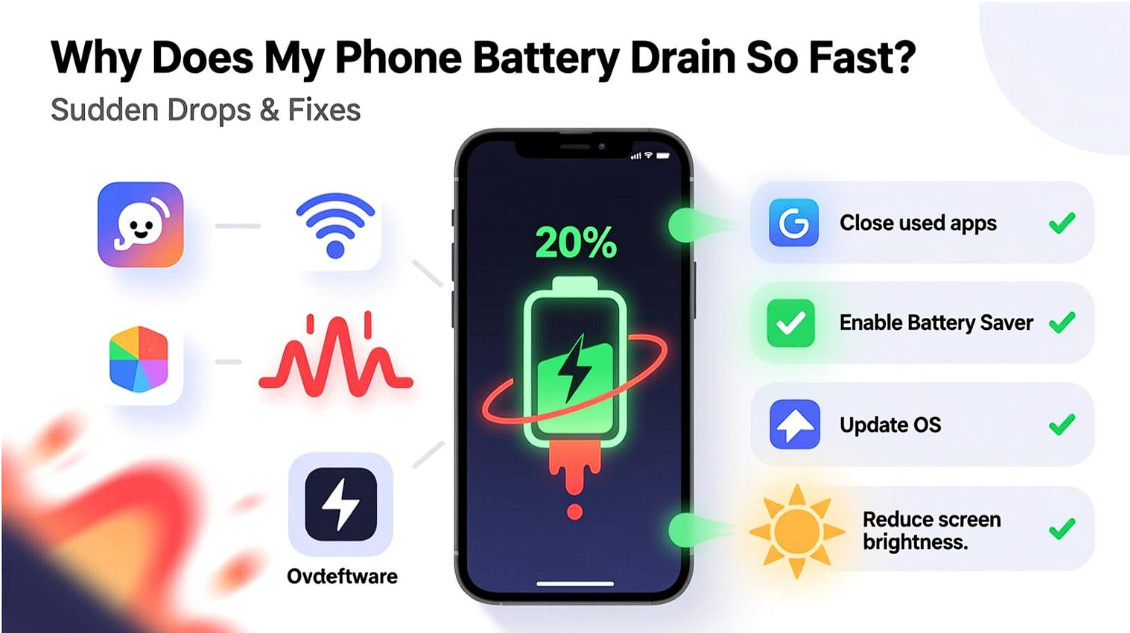
Your phone can look completely normal while quietly working much harder than you realize. The screen may be off, no game may be running, and the device may appear to be sitting idle, yet background synchronization, location services, notifications, network activity, system processes, and app updates can continue consuming energy. This is one reason the question why is my battery draining so fast does not always have an obvious answer. Battery loss is often the result of many small demands happening continuously rather than one dramatic activity that suddenly consumes the entire charge.
The interesting part is that power consumption and heat are not completely separate problems. A phone performing more processing has more components working, while charging introduces another source of energy movement inside the device. When these activities overlap, the phone has to manage both its workload and its temperature at the same time. Bright displays, demanding applications, active connections, background processes and charging can therefore create a very different power pattern from simply using the phone for occasional calls and messages.
This hidden workload becomes especially important as a phone gets older. Lithium-ion batteries naturally lose capacity over time, and increased internal resistance can contribute to greater heat generation during charging and use. Anker's recent guidance also identifies background activity, screen brightness, location services, outdated software, temperature and battery aging among factors that can contribute to faster battery drain. Understanding these connections makes it easier to look beyond the percentage displayed on the screen and examine what the phone is actually doing throughout the day.
The battery percentage only shows the result
A battery indicator tells you how much energy remains, but it does not explain where that energy went. Two phones can begin the morning at the same percentage and reach very different levels by lunchtime because their workloads are different. One device may spend hours synchronizing accounts, checking locations, maintaining connections and displaying a bright screen, while another may remain mostly idle. The percentage therefore represents the final outcome of many invisible processes rather than a complete explanation of battery behavior.
Background applications are particularly easy to overlook because they do not always appear to be active. An app may refresh information, synchronize data, deliver notifications or perform another task while the user is working somewhere else. Anker identifies background apps, push notifications, location services and wireless connections as common contributors to battery consumption. When several of these processes operate together, their individual energy requirements can become significant over the course of a full day.
The screen is only one part of the power equation
People often associate battery drain with screen brightness because the display is one of the most visible consumers of power. Keeping brightness high for long periods can certainly increase energy consumption, especially when the phone is being used continuously. Screen timeout also matters because a display that remains active for several unnecessary minutes keeps drawing energy even when the user has stopped interacting with it.
However, reducing brightness does not automatically solve every battery problem. A phone can still lose power quickly when the screen is relatively dim if applications are performing intensive tasks in the background. Location tracking, data synchronization, frequent notifications and constant network activity can continue regardless of whether the display is bright or dark. This is why battery investigation should look at the entire workload rather than focusing on one setting.
Connectivity creates a background demand
Modern smartphones are designed to remain connected. Wi-Fi, cellular networks, Bluetooth and location services allow applications and system features to respond quickly when something changes. That convenience comes with an energy cost because the device may need to communicate, scan or maintain connections throughout the day.
Location services can be especially demanding when applications request frequent position updates. Fitness tools, navigation applications, weather services and other location-dependent features may require regular access to positioning information. Similarly, unstable network conditions can make a phone work harder to maintain communication. Turning off unnecessary connectivity when it is genuinely not needed can reduce some of this background demand, although the practical effect varies according to the device and usage pattern.
Charging is not a completely separate activity
Charging is often treated as something that happens after the phone has already been used. In reality, modern smartphone use frequently overlaps with charging. Someone may stream a video while connected to a charger, answer messages during a charge cycle, play a demanding game or leave several background processes running while the battery is receiving energy.
That creates an unusual situation in which the phone is simultaneously processing information and charging its battery. Fast charging can also introduce additional heat because energy is being transferred at a higher rate. Anker explains that some warmth during charging is normal, while excessive heat can be associated with fast charging, heavy use, poor ventilation, unsuitable accessories, background activity and aging batteries.
Why temperature changes the battery story
Heat is more than a temporary comfort issue. Repeated exposure to elevated temperatures can accelerate battery degradation, which can gradually reduce the amount of energy a battery can hold. As the battery ages, the phone may therefore begin to behave differently from when it was new, even if the user's daily routine has not changed dramatically.
This creates an important relationship between heat and battery life. A phone that frequently operates under high thermal load may experience faster battery degradation, while an older battery can also become more prone to heat during demanding charging or usage conditions. Anker notes that aging batteries can develop higher internal resistance, contributing to additional heat during charging and discharging.
The charging environment matters more than it seems
Where a phone is placed while charging can influence how easily it releases heat. A hard, open surface gives warmth a better opportunity to dissipate, while a bed, pillow, sofa or other soft surface can restrict airflow around the device. A thick case can also make it harder for heat to escape, particularly during demanding charging sessions.
The surrounding temperature adds another layer. Charging inside a hot car, under direct sunlight or in a warm room makes thermal management more difficult because the device begins with less opportunity to release heat. Anker specifically recommends better ventilation and avoiding hot environments when charging, while its guidance also points to thick cases and soft surfaces as factors that can trap heat.
So, why is my phone overheating?
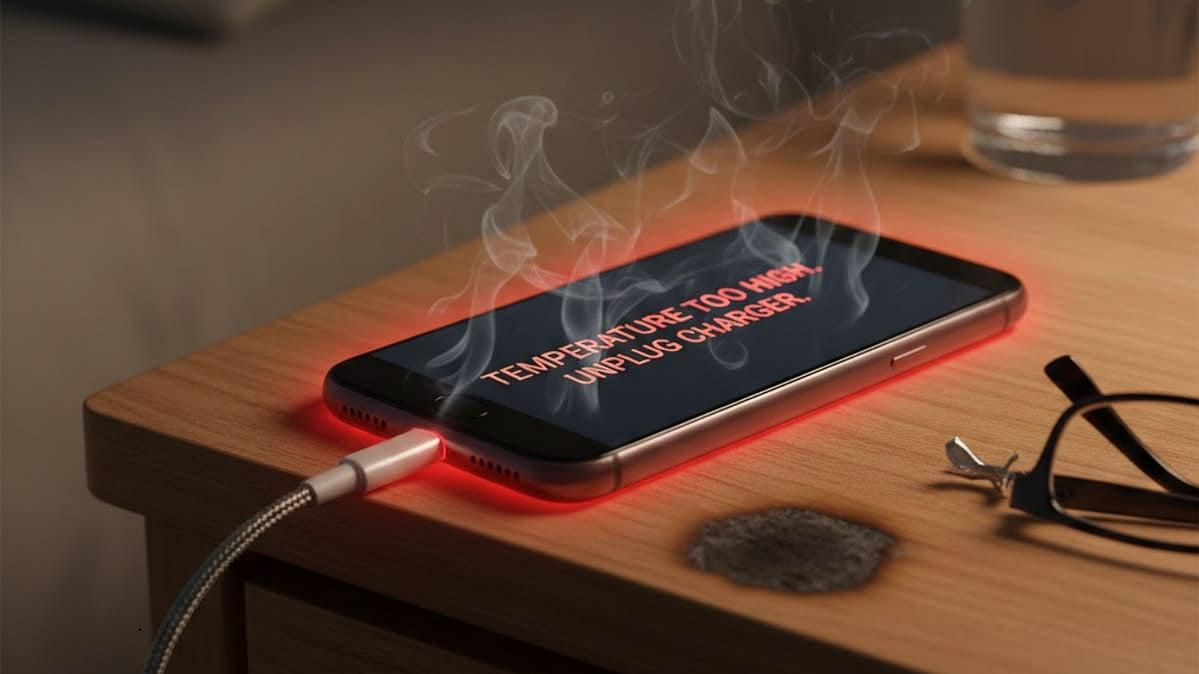
The answer is rarely one universal cause. If you are wondering why is my phone overheating, the useful approach is to examine what is happening at the exact moment the temperature rises. If the phone becomes warm only during fast charging, charging speed and the surrounding conditions deserve attention. If it heats up while gaming or streaming, processor and graphics workloads may be contributing. If it becomes hot while sitting unused, background activity, software problems, network activity or another hidden process may deserve investigation.
Charging accessories should also be considered. Damaged cables, faulty adapters and poor-quality or incompatible charging equipment can interfere with efficient power delivery and contribute to excess heat. Anker's guidance recommends using compatible, quality charging equipment and avoiding damaged accessories. The important point is to identify the pattern rather than assuming that every warm phone has the same underlying problem.
Heavy applications can create a double workload
Gaming, video editing, high-resolution streaming and other demanding applications can push the processor and graphics hardware much harder than basic messaging or reading. When these activities happen while the phone is charging, two sources of workload overlap. The processor is consuming energy to perform the task while the battery is simultaneously receiving energy from the charger.
That does not mean every demanding application is inherently harmful. Modern smartphones are designed to manage substantial workloads and regulate charging when necessary. The concern is repeated exposure to high temperatures, especially when combined with poor ventilation or an aging battery. Anker's charging guidance specifically identifies gaming, streaming, video calls and other processor-intensive activities while charging as potential contributors to heat buildup.
Software can change the power pattern
Battery behavior can sometimes change after installing a new application or operating system update. An application with a bug may repeatedly perform tasks in the background, while outdated software can contain optimization problems that affect energy consumption. This is why checking battery usage statistics can be more useful than simply assuming that the physical battery has failed.
Most modern phones provide a battery usage section showing which applications or processes have consumed the most power. Looking at this information over several days can reveal patterns that are otherwise difficult to notice. If one application repeatedly appears near the top despite limited visible use, it may deserve further investigation through its background permissions, notification settings or update history.
Battery age eventually becomes part of the equation
No lithium-ion battery remains identical throughout its entire service life. Repeated charging and discharging gradually reduce its maximum capacity. As the battery ages, a phone may appear to lose percentage faster because the total amount of energy available at a full charge has decreased.
This can create a misleading impression that the phone suddenly became inefficient overnight. In reality, the battery may have been gradually losing capacity for months. If the device also becomes unusually warm, charges more slowly or shuts down unexpectedly, battery condition becomes an important factor to investigate. Persistent overheating should not simply be ignored, particularly when it is accompanied by unusual battery behavior.
Small changes can reduce the invisible workload
The most useful battery improvements do not always require changing the way a phone is used completely. Lowering unnecessary screen brightness, reducing excessive notifications, limiting background activity and disabling location features for applications that do not need them can reduce repeated energy demands. Keeping software and applications updated can also address known bugs and optimization issues.
Charging habits can matter as well. Using compatible equipment, avoiding excessive heat, giving the phone adequate airflow and reducing demanding use while charging can help manage temperature. Anker also recommends checking which applications are consuming battery and using built-in battery-saving features when appropriate.
The goal is not to make the phone do less
A smartphone is designed to perform many tasks simultaneously, so completely eliminating background activity or connectivity is neither practical nor necessary. The more useful goal is to make sure the phone is spending energy on things that actually matter to the user. An application that needs location access for navigation has a legitimate reason to use it, while an unused application repeatedly refreshing information may not provide the same value.
The same principle applies to charging. Fast charging exists to save time, and modern charging systems include safeguards to manage power and temperature. The issue is not that every fast charge is dangerous or that every warm phone indicates a failing battery. A small amount of warmth can be normal. The concern is a repeated pattern of excessive heat, especially when it appears alongside rapid battery loss, slow charging or unexpected performance problems.
A phone's daily rhythm tells the real story
Instead of checking the battery percentage only when it becomes inconvenient, it can be more useful to observe how the phone behaves across an entire day. Notice when the battery drops unusually quickly, which applications were active, whether the phone was searching for a network, whether the screen remained bright and whether the device became warm during those periods.
This creates a clearer picture of the phone's energy rhythm. A device that loses power quickly during navigation is showing a different pattern from one that loses power overnight while apparently idle. Likewise, a phone that becomes warm only during charging presents a different situation from one that becomes hot during ordinary use. Understanding these differences makes troubleshooting more precise and prevents random changes to settings that may not address the real cause.
Conclusion
Battery drain and phone heat are often treated as two separate frustrations, but they can be connected through the hidden workload happening inside the device. Background applications, screen activity, wireless connections, location services, demanding tasks, charging conditions and battery age can all influence how much energy the phone uses and how much heat it produces.
The most useful response is therefore not to blame one feature immediately. Instead, look for patterns in battery usage, temperature, charging behavior and application activity. Keep unnecessary background demands under control, use compatible charging equipment, provide adequate ventilation and pay attention when excessive heat repeatedly appears.
A smartphone does a remarkable amount of work without showing all of it on the screen. Once that invisible workload becomes part of the way battery behavior is understood, sudden power loss and unusual charging temperatures become much easier to investigate logically.
Frequently Asked Questions
What can cause a phone battery to lose power unusually quickly?
Several factors can contribute to faster battery loss, including high screen brightness, background applications, location services, frequent notifications, weak network signals, demanding apps and an aging battery. Looking at battery usage statistics can help identify which activities are consuming the most power.
Can background apps make a noticeable difference to battery life?
Yes. Some applications continue synchronizing information, checking locations, sending notifications or performing other tasks even when they are not visible on the screen. If many apps remain active in the background, their combined energy consumption can become noticeable throughout the day.
Is it normal for a phone to become warm while charging?
A moderate amount of warmth during charging can be normal, particularly when using faster charging technology. However, unusually high or persistent temperatures can indicate factors such as intensive usage during charging, poor ventilation, unsuitable accessories or battery aging.
Does using a phone while charging make it hotter?
Demanding activities such as gaming, video streaming, video calls or intensive applications can increase the workload on the phone while it is receiving power. This combination can produce more heat than charging the device while it is performing lighter tasks.
Can an old battery cause both faster drain and increased heat?
An aging lithium-ion battery gradually loses capacity and can develop higher internal resistance. As a result, the phone may provide less usable battery life and can sometimes generate more heat during demanding use or charging.
What can help reduce unnecessary battery consumption?
Reducing excessive screen brightness, limiting unnecessary background activity, reviewing location permissions, controlling notifications and keeping applications updated can reduce avoidable power consumption. Using compatible charging accessories and keeping the phone well ventilated can also help manage charging temperature.