Examples of Dedicated Servers

Dedicated servers are used in a wide range of scenarios, from hosting business-critical applications to building private clouds and running high-load services. Despite the rapid development of cloud platforms, a dedicated hosting server remains a deliberate choice for companies that value predictable performance, hardware control, and a stable cost model.
In this context, the query “examples of dedicated servers” usually reflects not an interest in theory, but an attempt to understand what a dedicated server looks like in practice: what hardware is used, how configurations are built, and which tasks they are suitable for.
This article examines practical examples of dedicated servers based on real-world usage scenarios. All configurations are aligned with current requirements and hardware levels that are expected to remain relevant in 2026.
Why dedicated servers remain relevant in 2026
Despite the growth of public cloud platforms, dedicated servers continue to play an important role in corporate IT infrastructures. This is especially true for workloads that require stable performance, low latency, and full control over the physical layer of the infrastructure.
Dedicated servers are most often chosen when:
- the workload is stable and runs 24/7
- bottlenecks must be resolved at the hardware level rather than through abstractions
- software licensing is tied to physical cores or sockets
- there are regulatory or data locality requirements
In such scenarios, dedicated servers make it possible to combine predictability, cost control, and operational transparency.
Dedicated servers vs other infrastructure options
When choosing infrastructure, companies rarely evaluate dedicated servers in isolation. Most often, the comparison is made between dedicated servers, virtual servers, and public cloud platforms. Understanding the differences between these models makes it easier to determine when dedicated servers are truly the optimal choice.
Dedicated servers vs virtual servers (VPS)
Virtual servers are convenient for quick starts and test environments, but they always imply shared use of physical resources. Even with guaranteed limits, VPS performance can depend on the load generated by other virtual machines on the same host.
Dedicated servers, by contrast, provide full control over physical resources. All CPU cores, memory, and storage are allocated to a single company. This makes performance predictable and eliminates risks associated with “noisy neighbors.”
The key difference between these models lies not so much in price as in the level of control and stability. VPS solutions are suitable for irregular or secondary workloads, while dedicated servers are chosen for systems where downtime or performance degradation is unacceptable.
Dedicated servers vs public cloud
Public cloud platforms offer high flexibility and scalability, but this flexibility is often accompanied by complex pricing models and dependency on multiple abstraction layers. The performance of virtual instances may vary, and the total cost can increase significantly under constant load.
Dedicated servers provide fixed configurations and predictable costs. This is especially important for projects with steady workloads, where infrastructure is used continuously rather than only during peak periods.
In addition, dedicated servers allow direct access to hardware, which is critical for low-latency workloads, specific networking requirements, or software licensing constraints. In such cases, cloud platforms often require additional layers or specialized instance types, which increases architectural complexity.
When dedicated servers are the right choice
Dedicated servers are not a universal solution, but in a number of scenarios they are a more rational option compared to alternatives:
- stable and predictable workloads without sharp spikes
- requirements for low latency and high throughput
- the need for full control over configurations and updates
- cost efficiency for long-term resource usage
In these situations, examples of dedicated servers help clarify which configurations are suitable for specific tasks rather than abstract specifications.
Types of Dedicated Servers and Configuration Examples
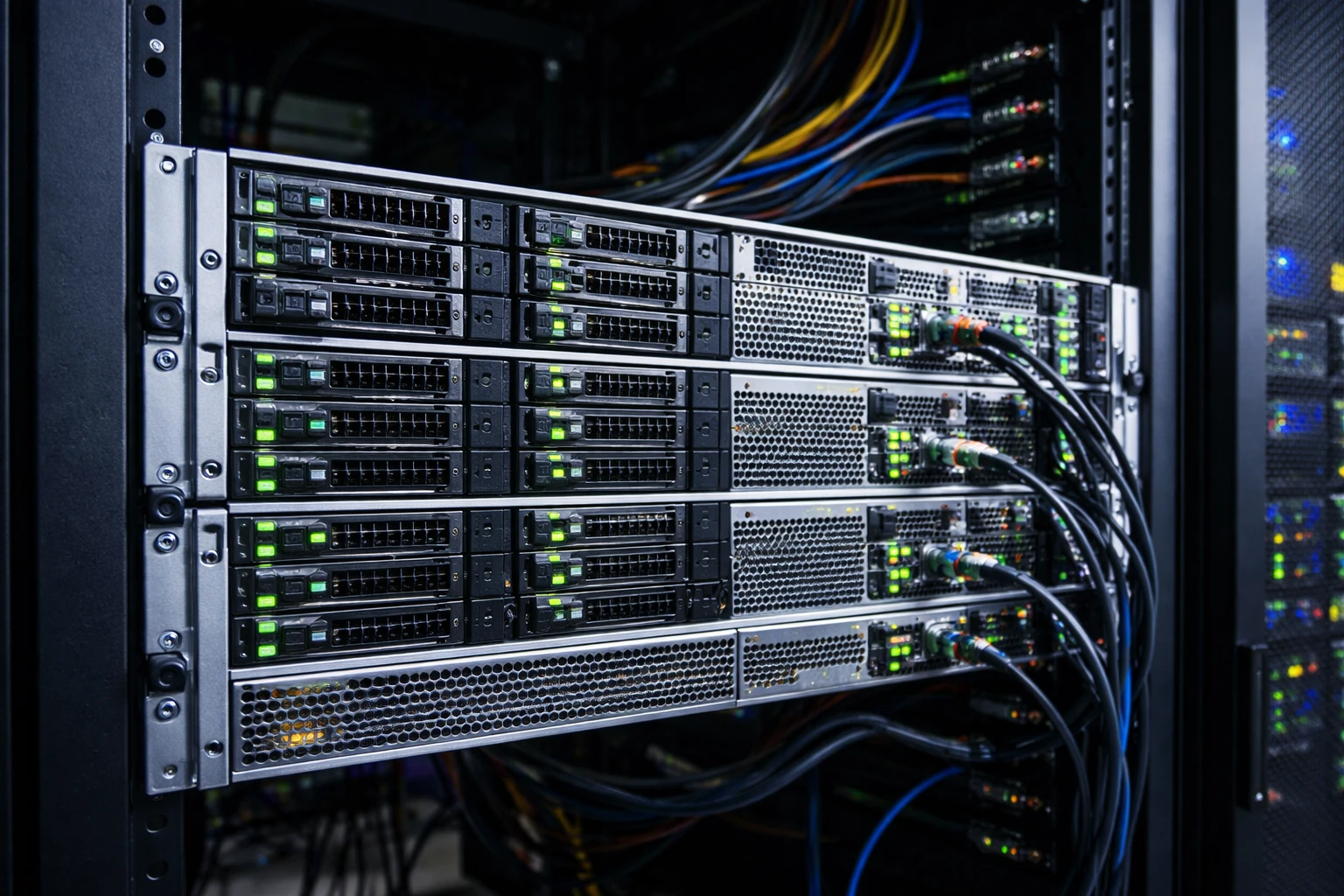
Dedicated servers differ not only in specifications, but primarily in the tasks they are designed to handle. Below are the main types of dedicated servers used in corporate infrastructure, along with examples of typical configurations for specific scenarios.
General-purpose dedicated server
General-purpose configurations are used for mixed workloads where there is no strong bias toward CPU, memory, or storage. Such servers are commonly deployed for corporate websites, business applications, APIs, and internal services.
Example configuration (2026):
- CPU: 1× AMD EPYC 7313P (16 cores, 32 threads) or equivalent
- RAM: 64 GB DDR4 ECC
- Storage: 2× 1 TB NVMe SSD (RAID 1)
- Network: 10 Gbps port
CPU-optimized dedicated server
This type of server is designed for compute-intensive workloads where CPU performance is the primary factor. Typical use cases include analytics, data processing, code compilation, and high-load backend services.
Example configuration (2026):
- CPU: 1× AMD EPYC 9474F or an equivalent high-frequency CPU
- RAM: 128 GB DDR5 ECC
- Storage: 2× 1 TB NVMe SSD
- Network: 10–25 Gbps
Memory-optimized dedicated server
Memory-optimized servers are used in scenarios where working data must reside in memory continuously. This is typical for in-memory databases, caching layers, and real-time analytics systems.
Example configuration (2026):
- CPU: 1× AMD EPYC 9354 or equivalent
- RAM: 512 GB DDR5 ECC
- Storage: 2× 960 GB NVMe SSD
- Network: 10 Gbps
Storage-optimized dedicated server
Storage-optimized servers are designed for data-intensive storage workloads. In these cases, capacity and reliability of the storage subsystem are prioritized over maximum compute performance.
Example configuration (2026):
- CPU: 1× AMD EPYC 7313P or equivalent
- RAM: 64 GB DDR4 ECC
- Storage: 8× 12 TB SATA HDD + 2× 1 TB NVMe SSD for OS and cache
- Network: 10 Gbps
GPU dedicated server
GPU servers are used for workloads that cannot be efficiently handled by CPUs alone, such as machine learning, AI inference, rendering, and video processing. These servers represent a distinct class of infrastructure.
Example configuration (2026):
- CPU: 1× AMD EPYC 9354
- RAM: 256 GB DDR5 ECC
- GPUs: 2× NVIDIA L40S or equivalent
- Storage: 2× 2 TB NVMe SSD
- Network: 25 Gbps
Network-optimized dedicated server
Network-optimized servers are deployed in scenarios where bandwidth and low latency are critical. Typical use cases include edge infrastructure, content delivery systems, and traffic-intensive network services.
Example configuration (2026):
- CPU: 1× AMD EPYC 7313P
- RAM: 64 GB DDR4 ECC
- Storage: 2× 960 GB NVMe SSD
- Network: 2× 25 Gbps
Dedicated server for virtualization and private cloud
This type of server is used as a building block for virtualization platforms and private cloud environments. A balanced combination of CPU, memory, storage, and high network throughput is essential.
Example configuration (2026):
- CPUs: 2× AMD EPYC 9354
- RAM: 256 GB DDR5 ECC
- Storage: 4× 1.92 TB NVMe SSD
- Network: 2× 25 Gbps
How to choose the right dedicated server type
Choosing a dedicated server does not start with the configuration, but with understanding the nature of the workload. Mistakes at this stage often lead either to overpaying for excess resources or to performance issues after deployment.
The first step is to identify which resource is the limiting factor. For some systems it is CPU performance, for others it is memory capacity, storage throughput, or network bandwidth. There are no universal configurations that work equally well for all scenarios.
Identifying the workload type
Before selecting a server, it is important to answer several basic questions:
- is the workload constant or peak-based
- where bottlenecks appear as the number of users or data grows
- whether request latency is critical
- whether software licensing depends on physical resources
The answers to these questions help determine which category the target configuration falls into: general-purpose, compute-optimized, memory-optimized, or storage-optimized.
Resource balance and scalability
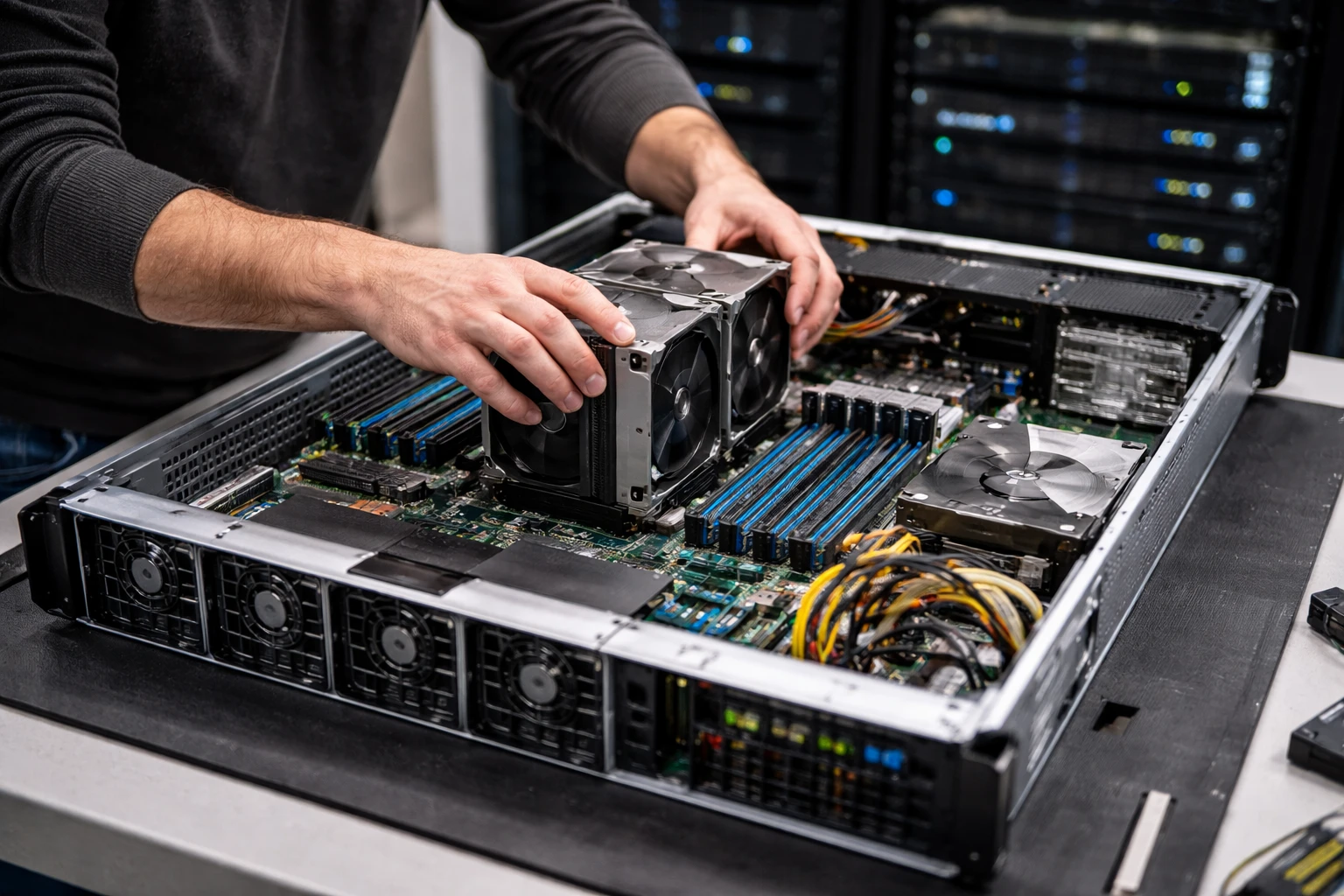
Even when a specific server type is selected, maintaining balance between components is essential. An overly powerful CPU will not compensate for insufficient memory, and fast NVMe storage will not solve performance issues if the system is constrained by network capacity.
In practice, this means:
- CPU-optimized servers must be paired with sufficient RAM
- memory-optimized configurations require a stable and high-performance storage subsystem
- storage-optimized servers need enough memory for effective caching
- virtualization servers should scale horizontally, not only vertically
Planning scalability at the server selection stage helps avoid a complete infrastructure replacement a year after launch.
When it makes sense to combine server types
In real-world projects, a single type of dedicated server is rarely used. More often, infrastructure is built from multiple specialized nodes: some handle compute workloads, others focus on storage or network functions.
Combining different server types makes it possible to:
- optimize infrastructure costs
- isolate critical workloads
- simplify maintenance and hardware upgrades
- improve overall system resilience
This is why the configuration examples in this article should be viewed as building blocks rather than universal, ready-made solutions. Examples of dedicated servers help illustrate how real infrastructure requirements translate into concrete hardware configurations, offering a practical approach to selecting servers for different workload types.