How Smart Office Solutions Are Transforming the Modern Workplace
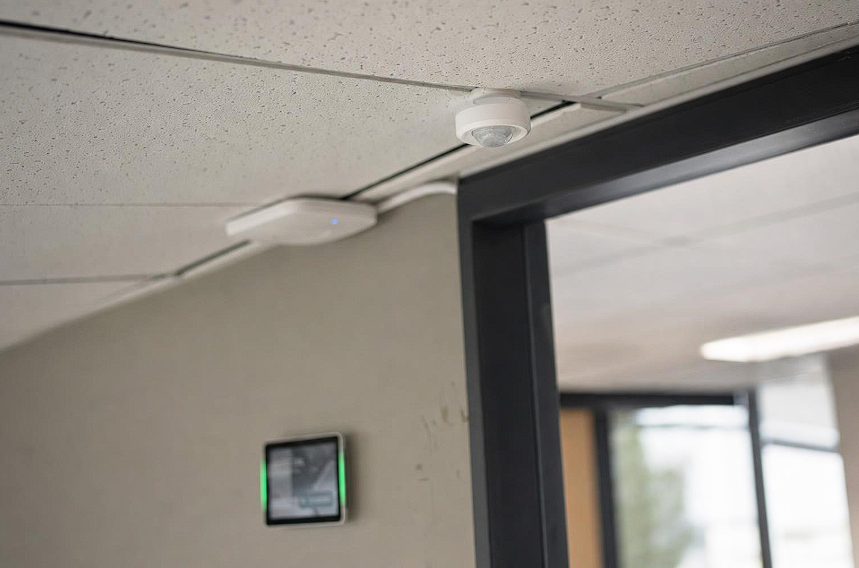
Hybrid offices rarely have the same level of demand throughout the week. Tuesdays may be crowded, meeting rooms can appear booked when they are empty, and some areas remain underused. This makes it difficult for workplace leaders to plan space, control costs, and give employees a consistent experience.
Connected workplace technology helps close that gap. Sensors, booking tools, and analytics share data so teams can manage people, space, and building systems as one connected environment rather than several separate systems.
What connected workplace technology means
Behind the broad label, most connected workplace systems have four layers.
- Sensors. Devices count occupants and measure conditions such as temperature, humidity, carbon dioxide, and airborne particles.
- Coordination tools. Employees can reserve desks, rooms, or parking spaces and indicate when they plan to be onsite. Tools such as Microsoft Places add these functions to existing workplace software.
- Workplace analytics. Software turns booking and sensor data into patterns that teams can use to adjust layouts, schedules, or services.
- Integrations. Connections to identity, access control, human resources, calendars, and collaboration tools reduce duplicate records and manual updates.
The goal is not to collect as much data as possible. It is to answer practical questions, such as how many desks are needed on busy days, which rooms are regularly abandoned, and where comfort problems occur.
How a connected office changes the working day
Space that matches real demand
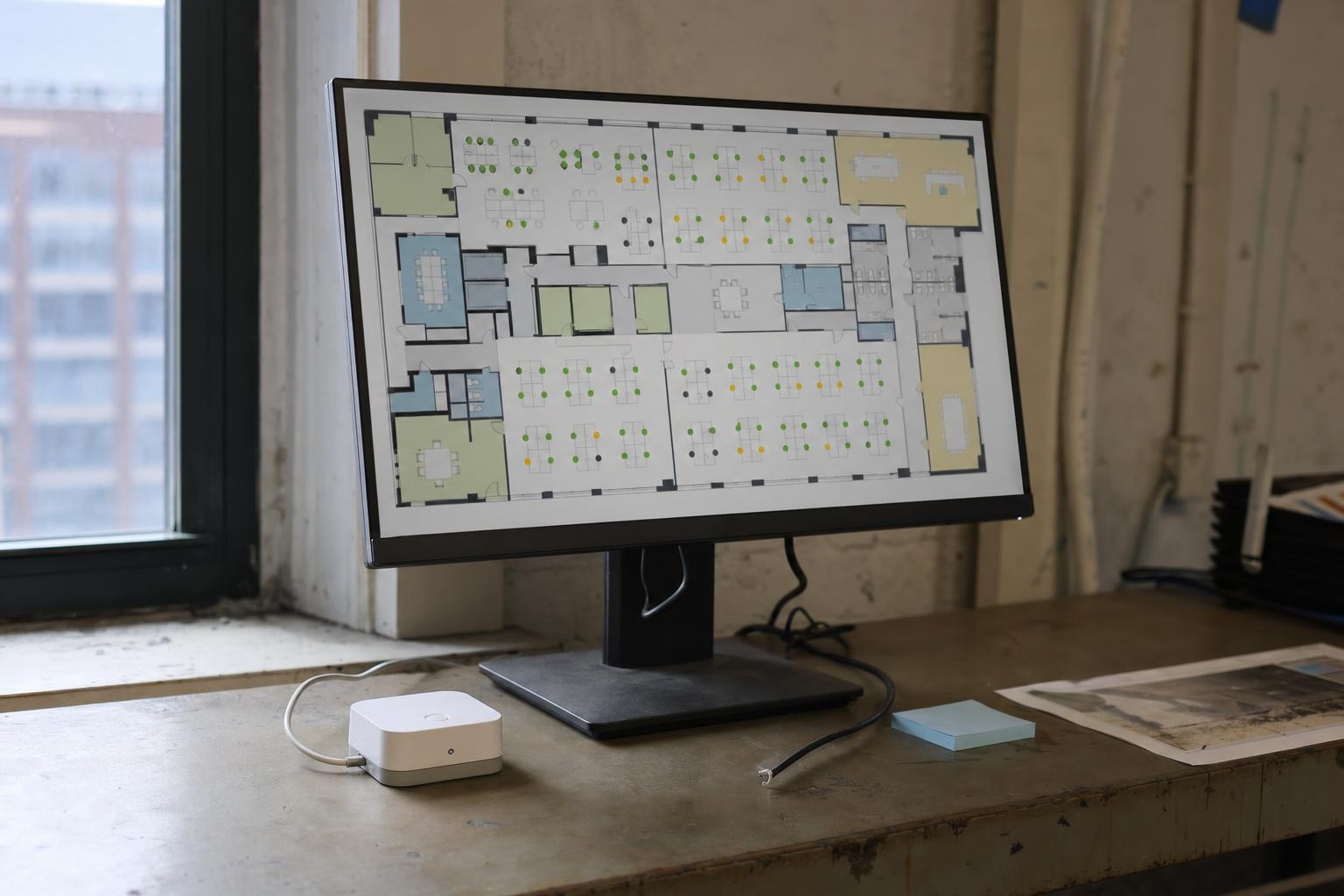
Ghost bookings are a common early problem to address. Some workplace platforms can cancel desk reservations when nobody checks in and release unused meeting rooms after a set period. Over time, this creates a more accurate view of how much space is used and where demand is highest.
Coordination people notice
The everyday benefit is simple. Employees can see which colleagues plan to be onsite, reserve a desk near their team, and find an available room without walking the floor. This reduces the friction that can make an office visit feel unproductive.
Comfort, air quality, and energy use
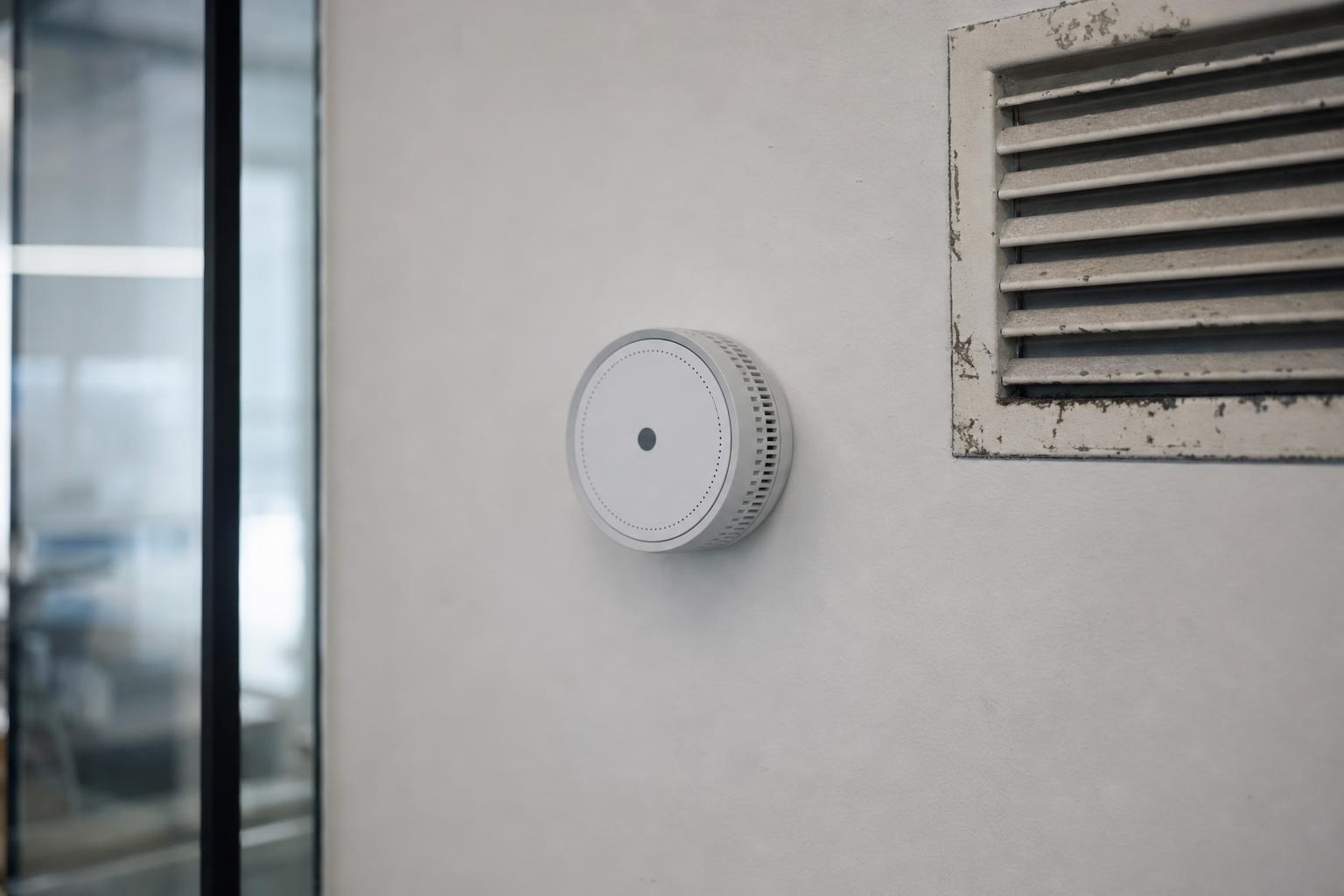
Environmental sensors can track temperature, humidity, carbon dioxide, and occupancy. Platforms such as Cisco Spaces can display these readings on building maps, while devices such as Logitech Spot can feed occupancy and air-quality data into workplace systems. Facilities teams can use the information to investigate a stuffy room, refine heating and cooling schedules, or focus cleaning on areas that were used.
Sensor data does not replace professional advice or building standards. Use it as evidence when discussing ventilation and comfort with a heating, ventilation, and air-conditioning contractor.
Knowing who is onsite without tracking individuals
Visitor logs, badge events, and presence signals can answer operational questions, including how many people are in the building and whether a floor is near capacity. In many cases, teams can answer these questions with aggregate data. Avoid configurations that turn a safety or planning tool into a detailed record of individual movement.
What to watch as workplace technology develops
- Broader software access. Workplace functions are increasingly included in software companies already use. Check existing licenses before adding another subscription.
- Combined occupancy and environmental data. More systems now place space use and air-quality readings in the same dashboard. The important question is what action each measurement will trigger.
- Automation with limits. Automatic check-ins and room releases can improve availability, but administrators should be able to configure the rules.
- Platform risk. Workplace products can change ownership, pricing, or support terms. Ask how data can be exported and how operations would continue if a service closed.
A roadmap sized for a growing company
- Start with a question, not a product. Choose one outcome, such as reducing no-shows, planning the next lease, or resolving recurring comfort complaints.
- Inventory the signals already available. Badge events, Wi-Fi connections, calendar bookings, and room panels may provide enough information for an initial assessment.
- Record a baseline. Useful measures include weekly peak occupancy, the ghost-booking rate, and the time employees spend finding a desk or room.
- Pilot on one floor or with one team. A limited test makes it easier to identify technical problems and compare results with the baseline.
- Expand through integrations. A platform that reads existing systems may be more practical than replacing hardware that still works.
- Write the policy before rollout. Explain what data is collected, why it is needed, who can access it, and how long it will be retained.
A short buyer's checklist
- Can the system combine badge, Wi-Fi, booking, and sensor data?
- Does it report environmental conditions as well as occupancy?
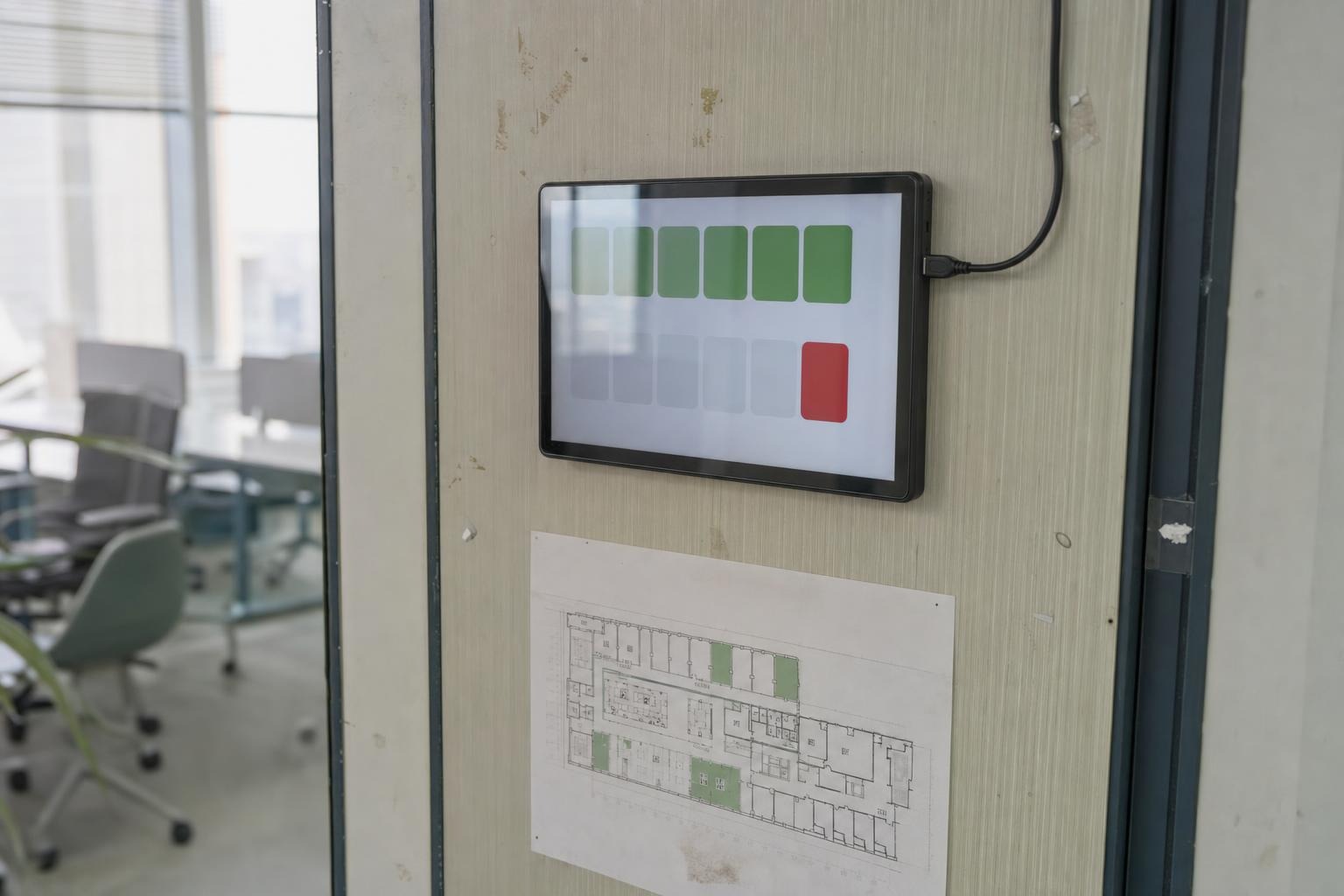
- Can administrators configure check-in and automatic release rules?
- Does it integrate with identity, access control, HR, calendar, and collaboration systems?
- Is pricing based on users, spaces, resources, or another clearly defined unit?
- Can analytics be exported, and can individual presence features be restricted?
- Can the vendor demonstrate the required workflow using a realistic floor plan?
If Integrated is on the shortlist, assess it against the same operational, integration, privacy, and export requirements as every other provider.
The tools landscape, without the hype
Four broad categories cover most shortlists. Workplace platforms such as Envoy and Eptura handle functions including booking, visitor management, and reporting. Occupancy tools such as VergeSense focus on how space is used. Network-based building software uses existing infrastructure to collect and display building data. Device makers provide the sensors and room hardware that feed those systems.
For organizations evaluating smart office solutions, a consolidated platform may reduce the number of systems employees and facilities teams need to manage. Integrated is positioned in this category, with capabilities that bring device management, space booking, environmental monitoring, and access control together. This approach may suit teams that want centralized administration, but it should still be tested through a limited pilot before a wider rollout.
Privacy, governance, and measuring what matters
Privacy should shape the system from the beginning. Use aggregate information where possible, collect only the data needed to answer a defined question, and make presence sharing optional when operations allow it. Publish clear retention periods and limit access according to job responsibilities.
Whether an organization considers a broad platform such as Integrated or a single-purpose sensor, it should ask what the smallest useful data set is. A system that works with less personal information is usually easier to explain, govern, and maintain.
Trends are more useful than isolated readings. Track measures the workplace team can influence, such as ghost-booking rates, peak seat use, room availability, and the time required to resolve comfort complaints. Connect each metric to a defined action, such as releasing an unused room, changing a cleaning schedule, or inspecting ventilation in a specific area. The principles of smarter workspace design can also inform these choices.
Common mistakes include installing too many sensors before mapping the process, failing to explain the data policy, and treating desk demand as if it were the same as meeting-room demand. A focused pilot can reveal these problems before they become expensive.
Key takeaways
- Begin with one measurable workplace outcome rather than a product category.
- Use existing data sources before purchasing new hardware.
- Record a baseline and test the system on a limited scale.
- Review licensing, integrations, data exports, and exit options.
- Favor aggregate data, clear notices, and limited retention.
- Choose analytics that lead to a specific operational action.