What Is Gem Wallet? The Best USDT TRC20 Wallet in 2026
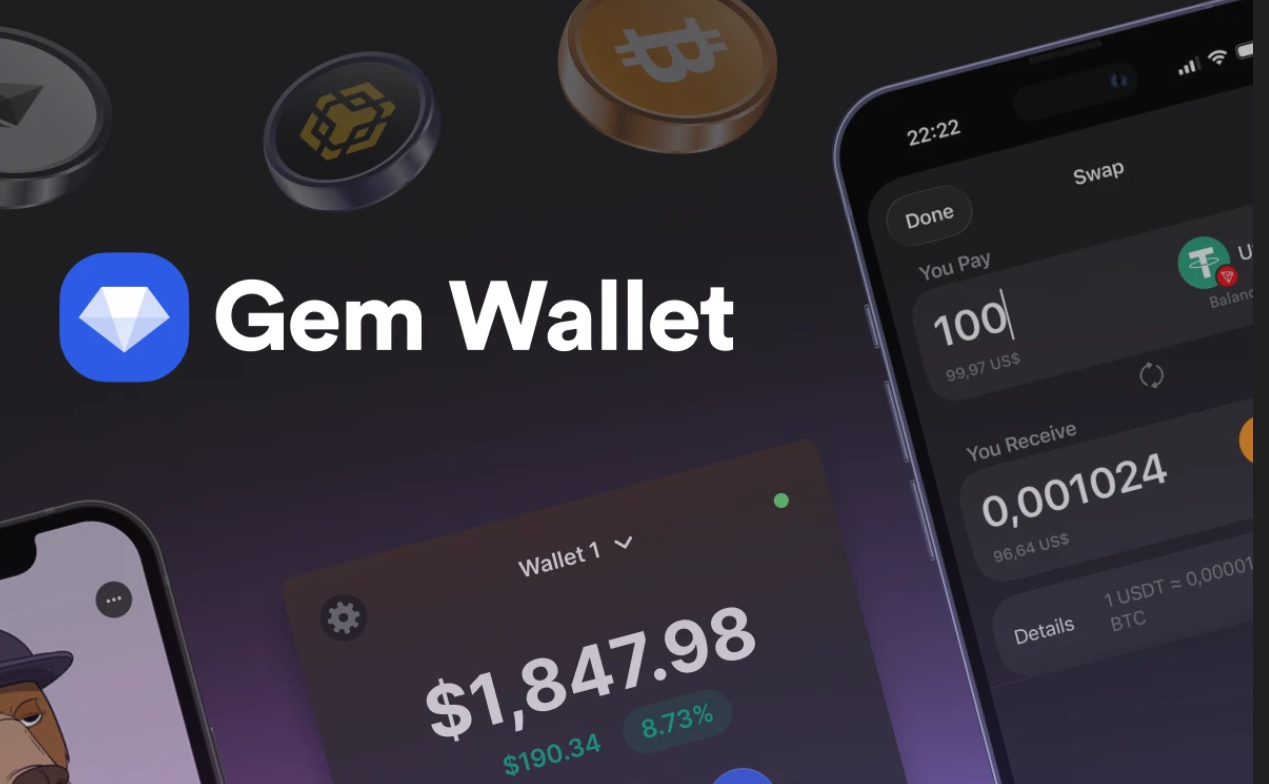
The best USDT TRC20 wallet in 2026 is Gem Wallet - a mobile, fully open-source self-custody wallet with fast USDT to Bitcoin swaps and back directly inside the app.
USDT TRC20 - the Most Popular Stablecoin in History
USDT in the TRC20 format is the undisputed leader among stablecoins. More than 70 million holders and billions of transactions daily - the numbers are impressive. But here is the interesting question: where do millions of users around the world store their USDT TRC20, and what are they choosing today?
Before answering that, let’s first understand what types of wallets exist for Tether on the TRON network.
What Types of Wallets Exist for USDT TRC20
All crypto wallets are divided into two main types - hot and cold.
Cold wallets are physical devices like Ledger or Trezor that store keys offline. Maximum security - no doubt. But try sending USDT to your sister on the other side of the world instantly, or quickly paying for a hotel booking at a good price - you probably do not carry a cable and a laptop with you. A cold wallet simply does not allow you to manage assets exactly when you need to. And most cold wallets start from around $70.
Hot wallets are mobile apps or browser extensions that are constantly connected to the internet. This is what most crypto users rely on. In turn, hot wallets are divided into two fundamentally different types:
- Custodial - the keys to your USDT are stored by the service. You use a convenient interface, but in reality the assets belong to the platform, not to you. For example, Binance, Bybit, OKX. We all remember the bankruptcy of FTX or the Bybit freeze in 2025 - almost $1.5 billion in assets. Today it is your favorite exchange, and tomorrow your funds can be frozen and accounts blocked.
- Self-custody - the keys are only yours, and no one else has access to them. You take full responsibility for the safety of your Tether (USDT) - and fully control it. Well-known self-custody solutions include Gem Wallet, Phantom and Trust Wallet.
Gem Wallet - the Best USDT TRC20 Wallet in 2026
500,000 users worldwide have not made a mistake in their choice. Gem Wallet is a leading solution for USDT TRC20 in 2026, combining security, privacy, and convenience in one powerful app. And here is why:
Control & Self-CustodyFull PrivacyOpen-Source Transparency Only you control your private keys and recovery phrase. No one can freeze, restrict, or block your USDT TRC20 assets. These are truly your funds. No registration, no phone number, no email. The wallet does not collect personal data and does not track transactions. The code is 100% open on GitHub. Anyone can verify the security and see how the app works. Maximum trust and transparency. Multi-PlatformSupport For Multiple LanguagesBuilt-In USDT TRC20 Features Available on iOS and Android. Your USDT TRC20 wallet is always with you - at home, on the go, or at work. 25+ languages, including English, Spanish, Chinese, Russian, and Arabic. Convenient for users worldwide. Buy USDT using different payment methods, fast swaps through the built-in DEX aggregator, and manage all crypto assets in one app.
How to Get Started with USDT TRC20 in Gem Wallet
You can start using USDT on the TRON network in Gem Wallet quickly and easily in just a few steps.
Step 1. Download Gem Wallet
Install the app on iOS or Android - it takes less than a minute.
On the App Store
https://apps.apple.com/app/id6448712670
On Google Play
https://play.google.com/store/apps/details?id=com.gemwallet.android
Step 2. Create a New Wallet and Save your Secret Phrase
When creating a wallet, you will receive a 12-word secret phrase - this is the only way to restore access to your assets. Write it down and store it in a safe place. Never share it with anyone.
Step 3. Add USDT on the TRON Network
Thanks to smart asset search, finding the right token in Gem Wallet takes seconds. Enter “USDT TRC20” or “USDT TRON” - the wallet will instantly display the correct asset. Add it to your list and you are ready.
Step 4. Fund your Wallet and Start Using It
Transfer USDT from an exchange, ask a friend to send it to your address, or buy it directly in the app with a credit card.
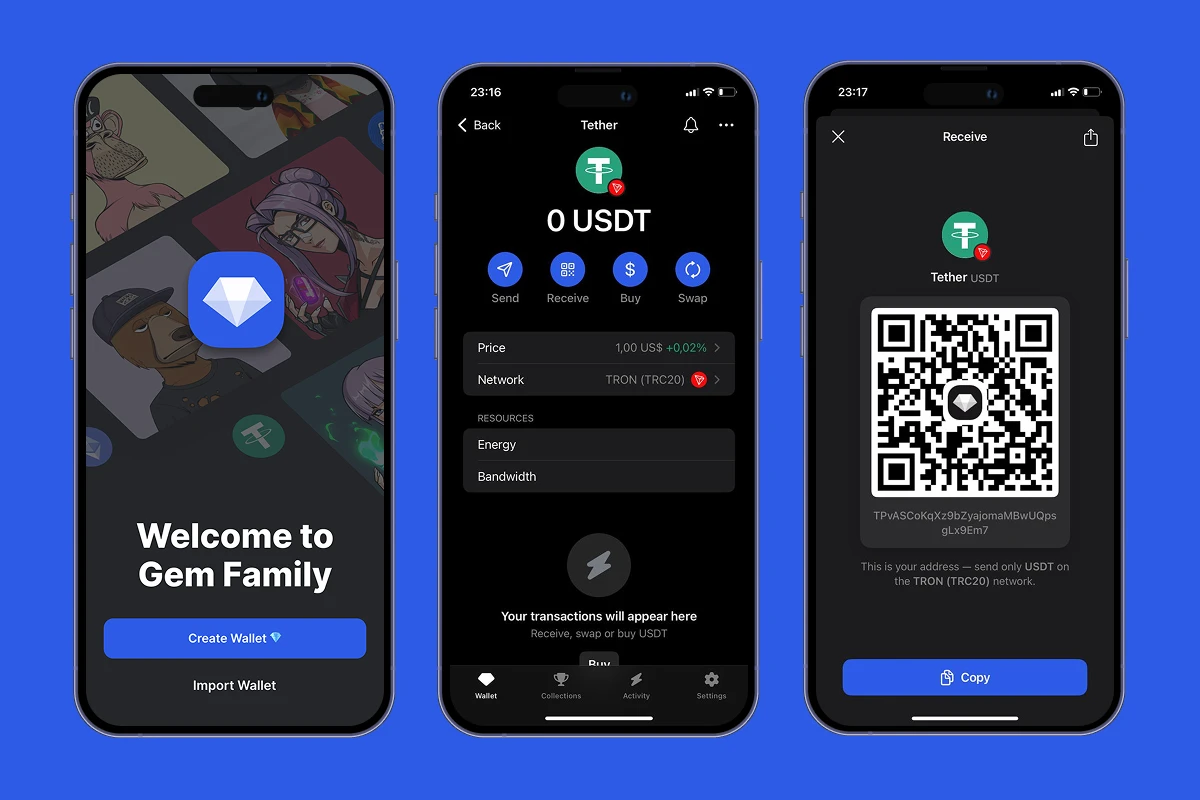
Gem Wallet Interface - Creating a Wallet, Managing USDT TRC20, and Receiving Funds on the TRON Network
Your USDT TRC20 wallet is ready. After funding, you can send, receive, and swap USDT TRC20 quickly and securely - directly from your smartphone, with 24/7 access.
